

7·
13 days agoWe harvested a rather large batch of kumquat, and this weekend I’m going to make preserves out of them. First time I make a new recipe is always nice.

I have two chimps within, Laziness and Hyperactivity. They smoke cigs, drink yerba, fling shit at each other, and devour the face of anyone who gets close to either.
They also devour my dreams.
We harvested a rather large batch of kumquat, and this weekend I’m going to make preserves out of them. First time I make a new recipe is always nice.
Yoooou bird-brained liar!!! (“Bird-brain” is a weird insult, though. Birds are known to be rather smart. Like anyone who played The Button knows, due to the crow facts.)
This also reminds me some rather wholesome news: Scotland recently passed a law, requiring new residences to have some bricks with holes for swift nests. I guess those male swifts will claim they built whole human houses, uh.
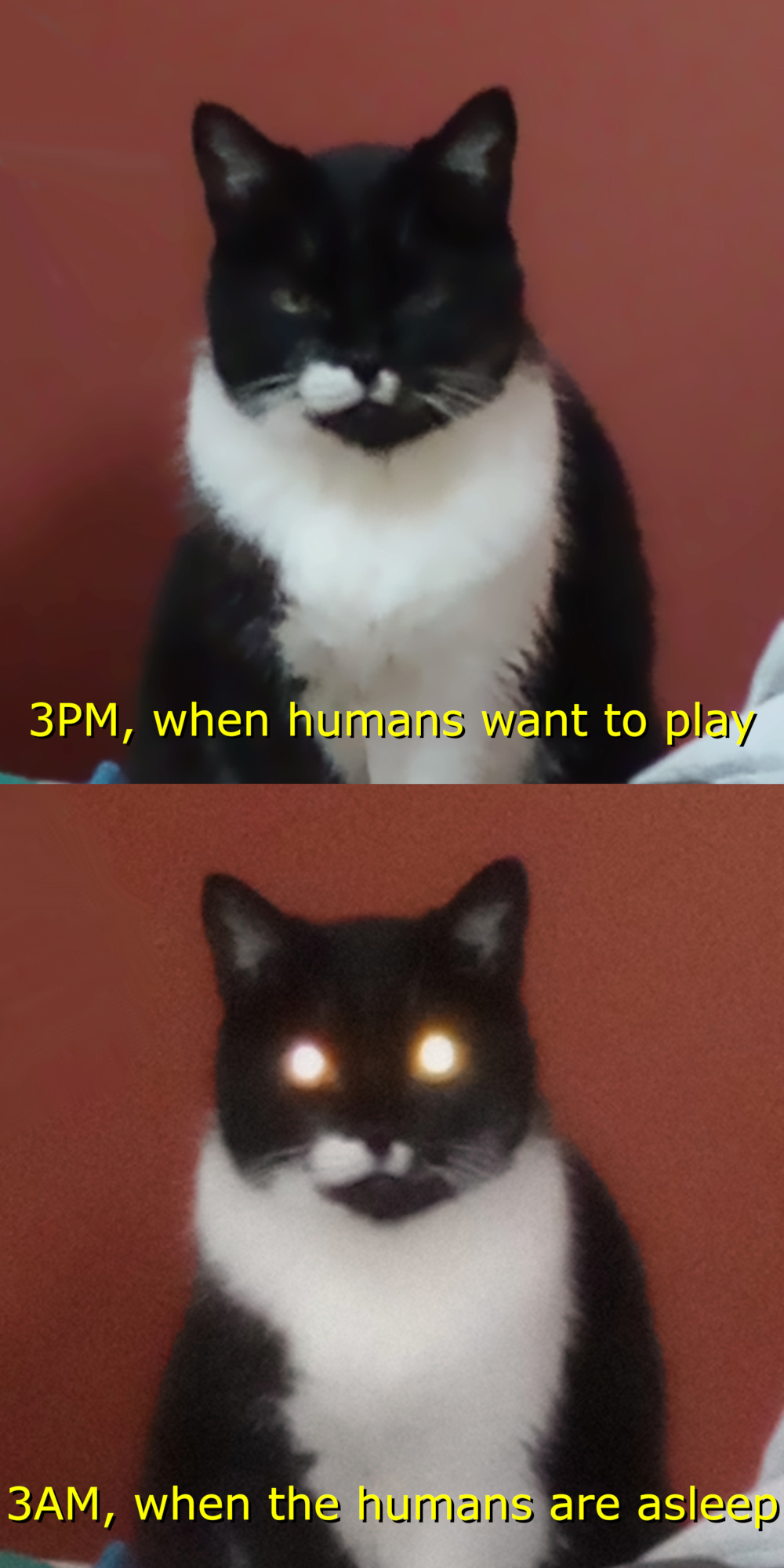
My cat, in the meantime:

brain.exe stopped working. I need to reboot rebooze it.
Suddenly carcinisation becomes too spooky!
Thanks! That’s the idea - make it memorable, not necessarily expensive.
A shame she flat out refused to let me cook for her tomorrow. I’ll do it today, though (it’s one of her favs at least).
Mother’s Day this weekend, so my sister and me have been cooking something up for our mum: a breakfast basket with some of her favs. Mostly small portions of a bunch of different jellies, she loves those.
I toyed with the idea of an orchid, since she likes those too, but she already got enough she complains about taking too long to water them.
Mum also decided to treat herself buy buying some salted cod, and told me I should be off the kitchen for the Sunday. Okay~ another thing to look forward*. (I’ll be probably cracking open my Pinot Noir to drink alongside it, bought last time I went to Argentina, a year ago.)
Ah, and I’m glad my nephew found some perfume for my sister! He spent the afternoon checking for some with my mum, so the odds it works well for my sis are fairly high.
*I wish I could help her in the kitchen, but… eh. Four hands cooking with her is complicated.
One of mine does this sometimes. Yup, it’s damn cute. ♥
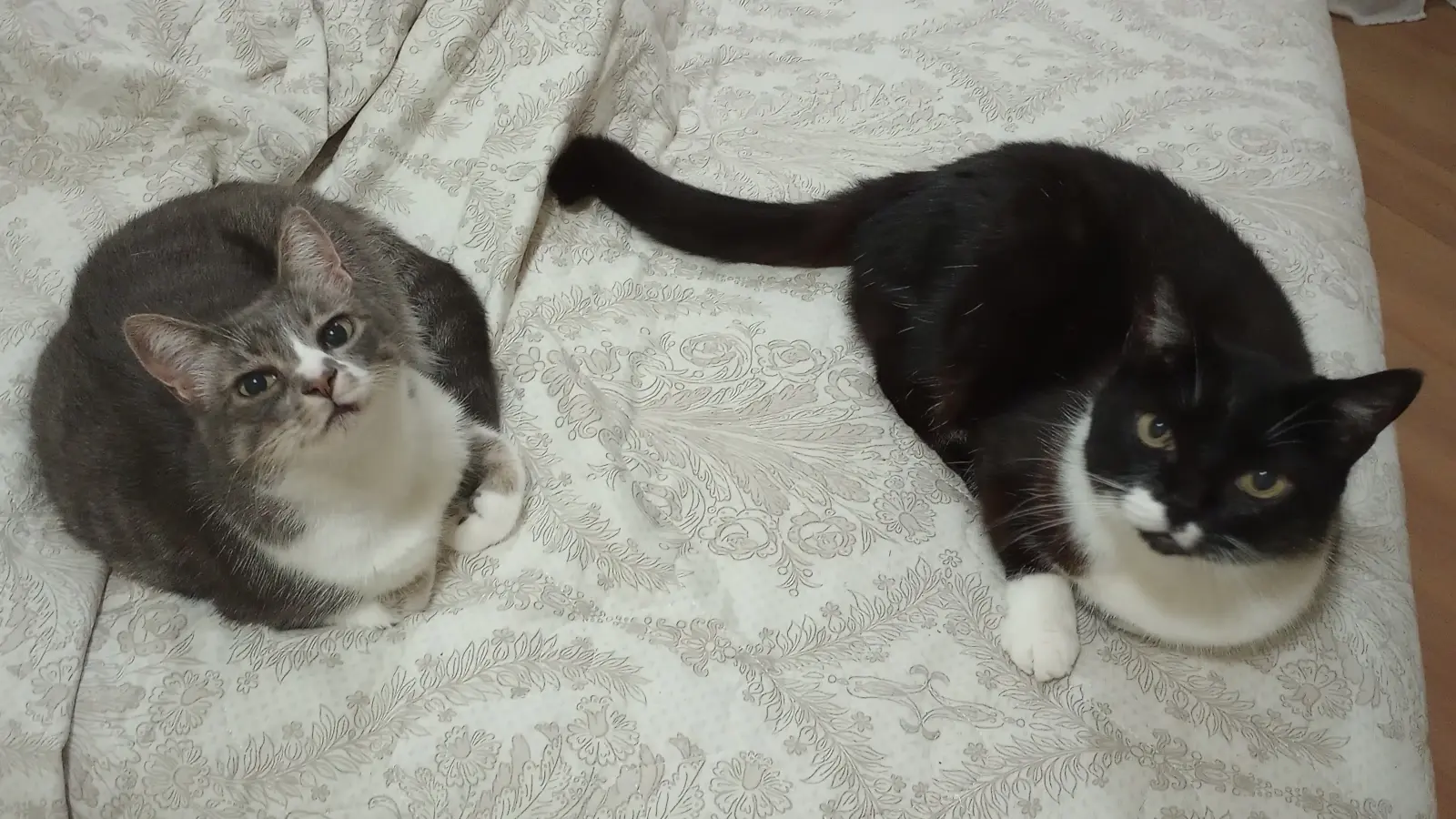
When one of my cats decides to sleep with me. I know they decide where to sleep based on the weather, but I can’t help but feel a bit more loved when they do it.
That “pawn barrier” at the queens’ side hints badger lost the rook some time ago. I can picture how; they likely advanced it, moved it to column b, at the black pawn there. Eventually the black pawn from a advanced enough to eat it, but badger was distracted (or let it be on purpose).
Then I can carry all my friends
Open the door, get on the floor. Everybody walk the dinosaur!
Sorry, couldn’t resist.
Either way it’s cute to think one is teaching the other.
I think the badger kept advancing that pawn because they’re new at the game, and the rabbit let it be because they’re teaching the badger how to play. I’m saying this because the rabbit is in a clearly better position, but it seems they’re holding back, the white pawn in 5a is also vulnerable and they seem to be ignoring it.
Whoever is the next to move. Rabbit has material advantage (a rook vs. a pawn), but if the badger is the next one to move they can capture the rabbit’s queen and promote the pawn. The promoted pawn will be short-lived, but now badger has the material advantage (a queen vs. a rook).
And reminder you don’t need to be good at chess to have fun with it. Those two got the right idea: get comfy with a friend and have fun.
Happy how my seafood paella turned out yesterday. I’m always a bit anxious before trying a new recipe, specially if I need to adapt things: no paella pan (more work for the wok), no bomba rice (long grain was the bomb), no saffron (no suffering, used turmeric), and no bola pepper (smoked garden pepper kept it rolling).
Surprised to see my mum eating so much as she did. She’s now talking about me making the recipe in special occasions (like Easter; not for Good Friday though, that’s sardine barbecue day for her).
My “boss” on the other hand is always getting in the way of my work. She keeps tapping my arm, as if saying “pet me! pet me!”; I need to stop writing, slap her butt a few times (that’s working place harassment, I know!), and then she’ll stop pestering me.
From my childhood? It wasn’t quite a cartoon, but a puppets series called Cocoricó. It was about a city kid living with his parents in the countryside, with talking animals and all of that. If that doesn’t count it’s probably Babar or Marsupilami.
If counting things I watched through my adult years (yup) it’s mostly anime. (I’m watching some right now, by the way. I’m 40. I should be working, it’s early morning, but I have no shame.) Then I guess Tengen Toppa Gurren Lagann?

Nope. Even if the government (Brazil) controlling my homeland is one of those shitting “think on the children! [because we don’t]” laws.
I don’t know if this is related to my browser reporting my geolocation as NZ, and the default page language being Italian, it’s possible bad design is helping me out.
I don’t bother with Calibre or anything similar; I simply use the directory structure. Easier to show it with examples than explaining it.
| Full path | description |
|---|---|
| /storage/reading/language/David Marcus - A Manual of Akkadian.pdf | language book |
| /storage/reading/light novels/The Faraway Paladin/04.epub | light novel |
| /storage/music/Die Ärzte/2003 - Geräusch/05 - Dinge Von Denen.mp3 | music track |
| /storage/tarballs/ROMs/snes/Donkey Kong Country 2 - Diddy’s Kong Quest.smc | SNES game |
| /storage/tarballs/Utils/Android/F-Droid.apk | installation file for F-Droid, Android system |
| /storage/videos/movies/The Lord of the Rings/2002 - The Two Towers.mkv | live-action movie |
| /storage/videos/animes/Kimetsu no Yaiba/Season 3 - Entertainment District/01 - Sound Hashira Tengen Uzui.mkv | anime episode |
You get the idea, right? No additional software needed, any automation tool to move/rename files can be used to help you out, and since metadata isn’t used for the organisation you can take your sweet time checking and fixing it. And sharing it across my network means simply sharing a directory with everything in it.
Key points to use this approach effectively:
Ah, on automation:
$series_name list of episodes” for descriptive names for anime or live action seasons. Often you can copypaste the whole text bloc into a text editor, and use some find-and-replace to get rid of everything except episode number + episode name.mv 01.mkv "01 - The Sphere.mkv"
mv 02.mkv "02 - The Inhabited.mkv"
[...]

Really sweet, sour, and aromatic, all three things combined. Really great IMO, specially to squeeze the fruit over some bread. But it’s my first time preparing it, so it might turn out different than the one I bought.
If it turns out good I’ll probably do something similar with lemons in the future. …well, once my lemon tree starts yielding fruit. (I think it’ll still take some years for that, the tree is rather young.)